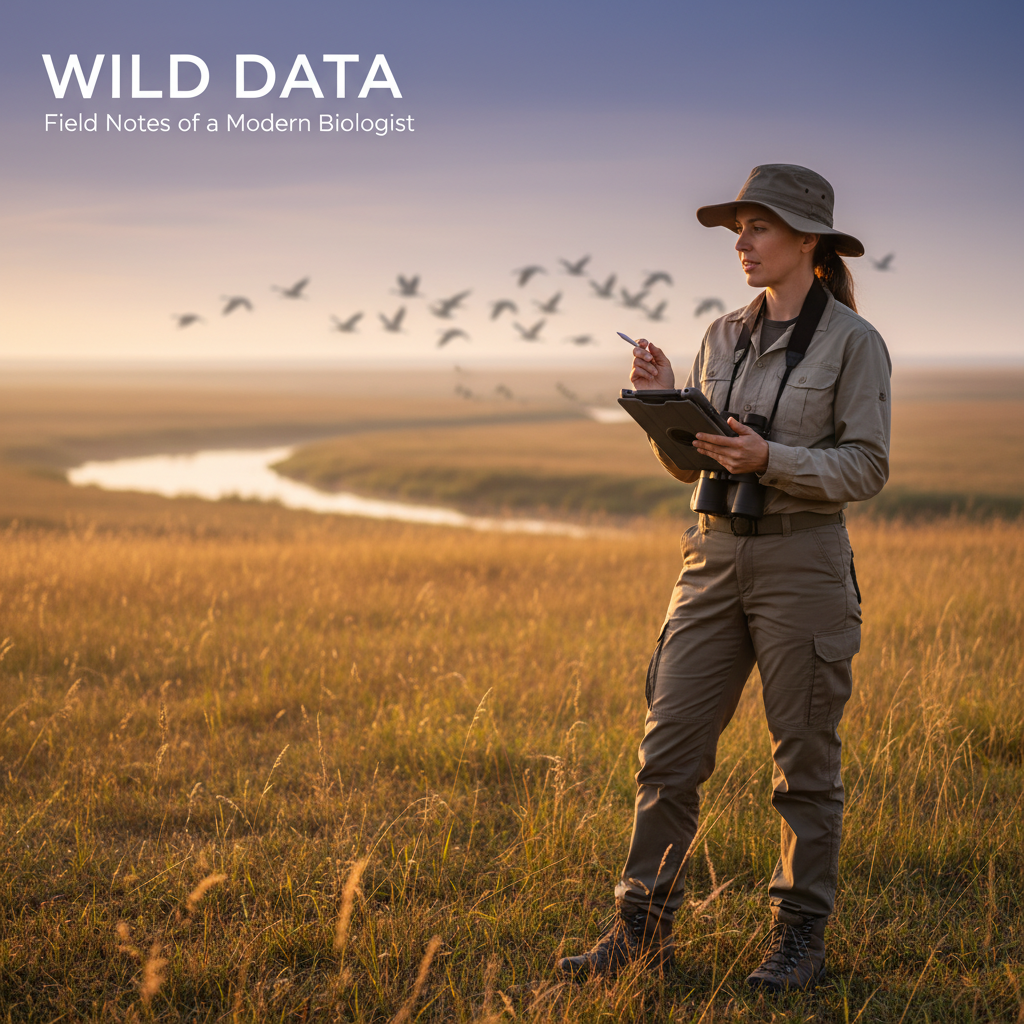
Wildlife biologists have a complicated relationship with field notebooks. They're flexible, reliable, and don't need charging. They're also responsible for data that's illegible, inconsistent, and locked in a format that requires hours of transcription before analysis.
The notebook worked when wildlife surveys produced dozens of records. Modern surveys — with standardized protocols, multi-species inventories, and regulatory reporting requirements — produce thousands of records per season. The notebook doesn't scale.
Where Notebooks Break Down
Species Identification Consistency
In a field notebook, the same species might appear as:
- "NOCA" (Northern Cardinal, banding code)
- "N. Cardinal"
- "Cardinalis cardinalis"
- "cardinal"
- "red bird" (from the intern)
When your analysis depends on species counts, inconsistent naming creates cleanup work that scales with project size. A hundred records might take an hour to standardize. A thousand records takes a day.
Digital forms with searchable species lists — using standardized taxonomy (AOU codes, ITIS, or custom lists) — eliminate naming inconsistency at the point of data entry.
Transect and Plot Metadata
Every observation needs spatial and temporal context: transect ID, plot number, start time, weather conditions, observer. On paper, this metadata is recorded once at the top of the page and assumed for all entries below — until someone turns the page and forgets to carry it over.
Digital forms maintain metadata across records automatically. Set your transect ID and conditions once; every observation inherits them until you change them.
Counting and Calculation Errors
Point count surveys, distance sampling, and vegetation cover estimates all involve numbers that need to be correct. Paper tallies are prone to:
- Miscounts (especially at busy sites)
- Transcription errors from tally marks to numbers
- Arithmetic mistakes in field calculations
Digital forms count automatically and calculate derived values (relative abundance, diversity indices) in real time.
Photo-Observation Linkage
The wildlife photo documentation problem is identical to every other field discipline: photos in the camera roll, observations in the notebook, and a post-fieldwork matching exercise that nobody enjoys.
Digital field data apps that embed photos within observation records solve this permanently.
What Digital Wildlife Surveys Look Like
Point Count Surveys
Digital workflow for a 10-minute point count:
- Navigate to the point using GPS
- Open a new point count record — coordinates, date, time, observer auto-populate
- Record weather conditions from dropdown menus (wind, sky, noise)
- During the count, tap species from a searchable list and enter count and distance band
- After the count, review the summary — total species, total individuals, detection distances
- Move to the next point
No transcription needed. Export directly to Distance, MARK, or R for analysis.
Habitat Assessment
Habitat data collection benefits from structured forms:
- Vegetation structure recorded by stratum with standardized cover classes
- Substrate and ground cover types from fixed lists
- Water features with depth, width, and flow characteristics
- Disturbance types and severity from standardized scales
All of this can be done on paper, but consistency across observers improves dramatically when everyone selects from the same options.
Rare Species Documentation
Rare, threatened, and endangered species observations carry regulatory weight. Documentation needs to be thorough and defensible:
- Exact GPS coordinates (not "near the big oak tree")
- Photographs with metadata
- Behavioral observations in standardized format
- Habitat description at the observation point
- Observer confidence level
A digital form with required fields ensures no critical information is skipped when excitement takes over.
Choosing a Wildlife Survey App
Features that matter for wildlife biologists:
- Customizable species lists — load regional lists, filter by taxa, add custom species
- Fast data entry — point counts require speed; the interface can't slow you down
- Offline operation — wildlife doesn't live near cell towers
- GPS with track logging — document transect routes, not just points
- Camera integration — photos tied to observations with auto-GPS
- Flexible export — CSV for R/Python analysis, shapefile for GIS, PDF for reports
- Repeatable observations — multiple species per record without creating separate records
What About eBird and iNaturalist?
Great tools for citizen science and personal records. Not designed for professional survey work. They lack:
- Custom form fields for protocol-specific data
- Offline operation (eBird requires internet for checklist submission)
- Structured habitat and vegetation data
- Team data management
- Client-ready exports
Use them for personal records. Use a field data platform for professional surveys.
Making the Transition
Wildlife biologists who switch to digital forms consistently report:
- 30-50% less time on data management (transcription, QC, formatting)
- Improved data quality from standardized entry and validation
- Better spatial data from automatic GPS
- Faster reporting from direct export to analysis formats
The learning curve is 1-2 field days. The time savings start immediately.
FieldTap includes wildlife survey forms with customizable species lists, GPS-tagged observations, photo integration, and export to CSV, shapefile, and PDF. Start your free trial before your next survey season.