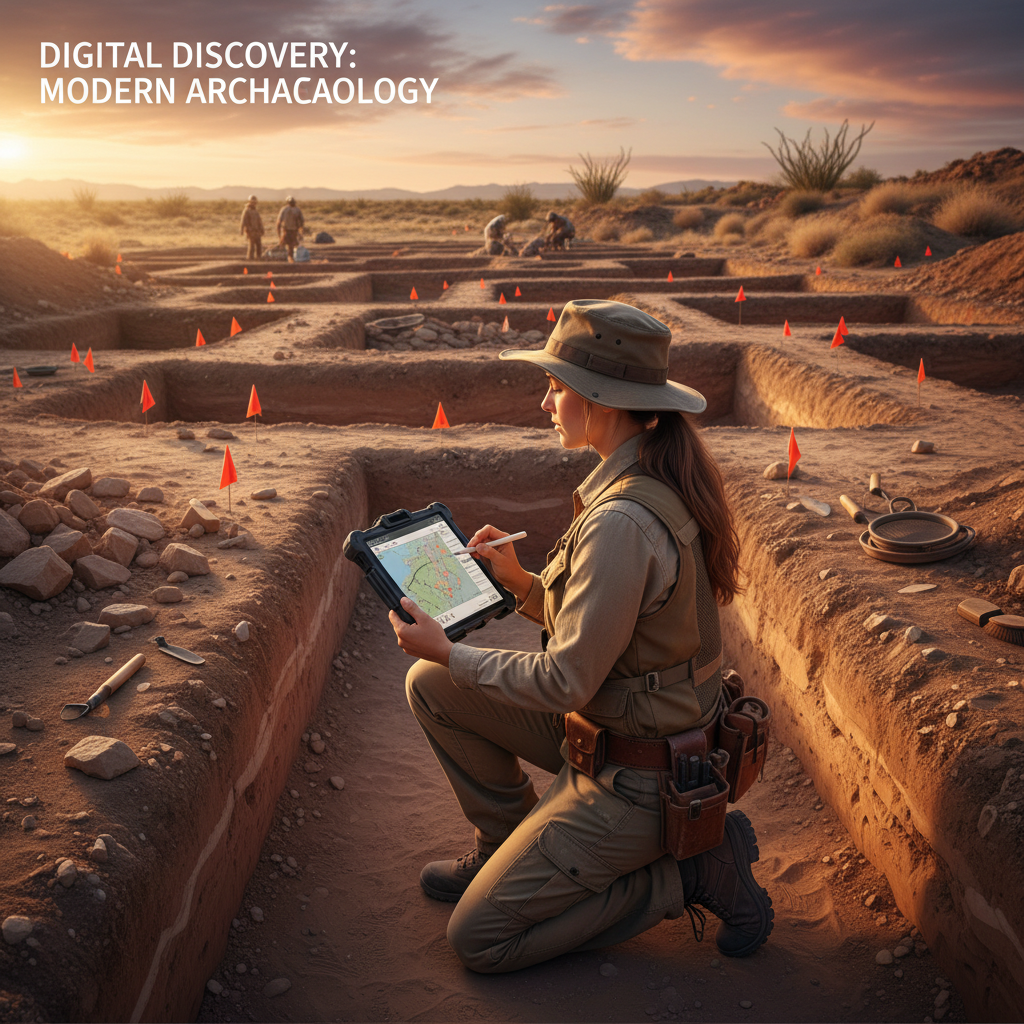
Every State Historic Preservation Office (SHPO) has its own site recording forms, and every archaeologist knows the pain of filling them out by hand in the field. Illegible handwriting, lost pages, inconsistent formatting — paper forms are a liability when compliance is on the line.
The good news: digitizing your SHPO forms doesn't require a massive IT overhaul. With the right approach, you can transition from paper to digital in a single field season.
Why Digitize SHPO Forms?
Before walking through the how, let's address the why. Paper-based SHPO documentation creates several problems that compound over time:
Data quality issues. Field crews working in rain, wind, and fading light produce inconsistent entries. A digital form with dropdowns and validation rules ensures every field gets filled correctly.
Time lost to transcription. Most firms spend 30-60 minutes per site transcribing paper forms into digital reports. Multiply that across a Phase I survey with 200 shovel test pits and you're looking at days of office work that adds zero value.
Photo management chaos. Paper photo logs rarely survive a project intact. Digital forms tie GPS-tagged photos directly to site records — no separate photo log needed.
Step 1: Audit Your Current Forms
Start by collecting every form your firm currently uses for SHPO submissions. Most states require some combination of:
- Archaeological site forms
- Isolated find forms
- Historic structure forms
- Cemetery/burial forms
- Survey cover sheets
For each form, identify which fields are free text, which are selections from a fixed list, and which require spatial data. This inventory becomes your digital form blueprint.
Step 2: Choose Your Digital Platform
Not all field data apps handle SHPO forms well. Look for these specific capabilities:
- Offline functionality — Cell service in the field is a luxury, not a guarantee
- GPS integration — Automatic coordinate capture for every record
- Photo attachment with geotagging — Tied directly to the form record
- Conditional logic — Show different fields based on site type
- Export flexibility — PDF, CSV, and shapefile outputs for different SHPO requirements
Generic form builders like Google Forms or JotForm fail on offline capability and GPS integration. Survey123 works but requires an ArcGIS license ecosystem. Purpose-built field data platforms like FieldTap are designed specifically for this workflow.
Step 3: Build Your Digital Forms
When recreating your SHPO forms digitally, don't just copy the paper layout. Improve it:
- Replace free-text fields with dropdown menus where possible (soil colors, vegetation types, artifact categories)
- Add required field validation so crews can't skip critical data
- Include automatic fields for date, time, GPS coordinates, and recorder name
- Set up conditional sections that appear based on site type or artifact presence
Step 4: Configure Photo Documentation
Photo documentation is where digital forms shine brightest. Set up your system to:
- Automatically embed GPS coordinates in every photo
- Link photos directly to site records (not a separate folder)
- Allow field descriptions or AI-generated captions for each photo
- Support multiple photos per feature, artifact, or profile
Step 5: Test with a Real Survey
Before committing to a full project, run your digital forms on a small survey. Have two crew members record the same sites — one on paper, one digital — and compare the results. You'll quickly see where your digital forms need adjustments and where they already outperform paper.
Step 6: Set Up Your Export Pipeline
Every SHPO has different submission requirements. Configure your exports to match:
- PDF reports that mirror the state's expected form layout
- CSV/Excel exports for database submissions
- Shapefiles or KML files for GIS-based site registries
- Photo packages with embedded metadata
Making the Transition Stick
The hardest part of going digital isn't the technology — it's changing habits. A few tips from firms that have made the switch successfully:
- Start with one project type (Phase I surveys are ideal)
- Designate a "digital champion" on each crew
- Keep paper forms available as backup for the first season
- Celebrate the time savings — track hours saved on transcription and report on it
Getting Started
FieldTap includes pre-built SHPO site forms for all 50 states, with GPS-tagged photos, offline capability, and one-click exports in the formats your SHPO expects. Start a free trial and digitize your first form today.